SantanaMitchell
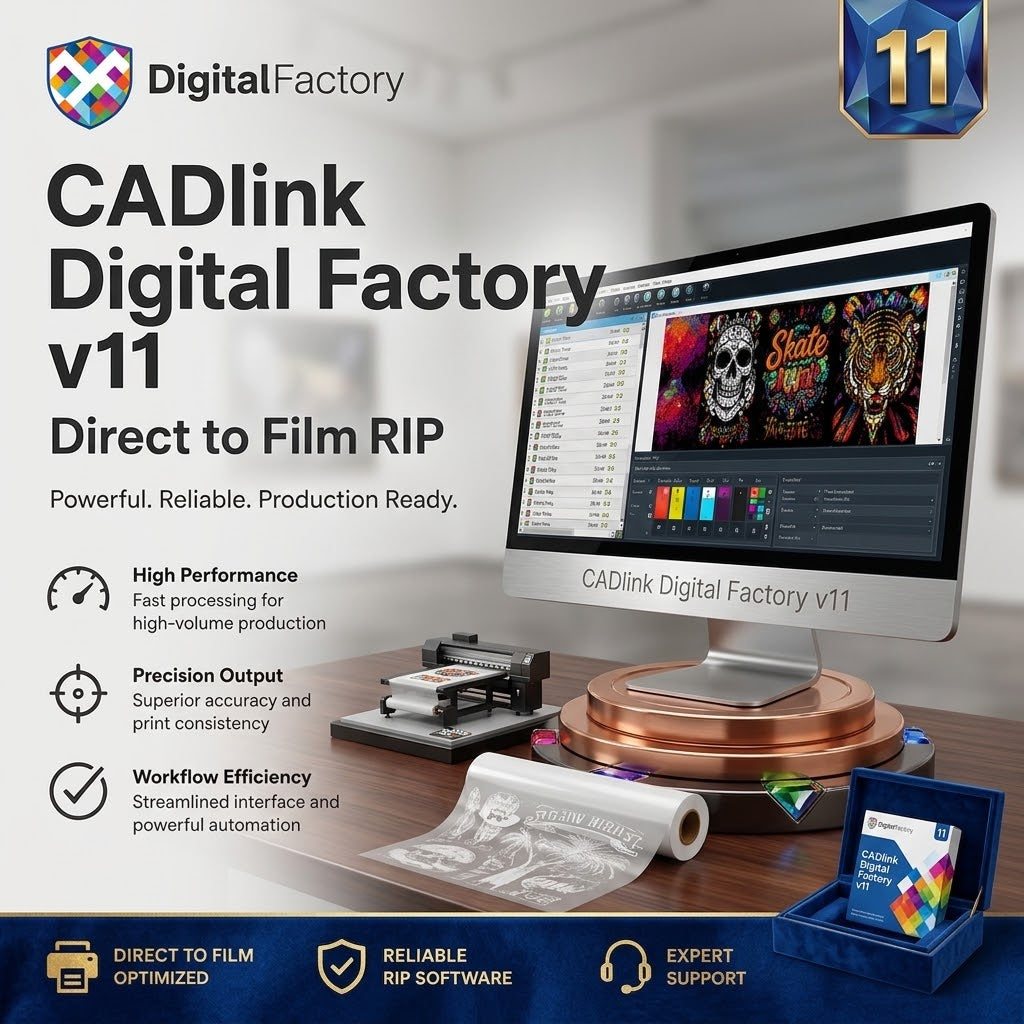
CADlink Digital Factory v11 DTF RIP Software
CADlink Digital Factory v11 DTF RIP Software
Couldn't load pickup availability
Industry Standard for Professional DTF Printing
Direct-to-Film RIP software built for professional print production. Take control of color management, white ink, layouts, print queues, and production workflows from one powerful Windows-based platform.
Professional DTF Production, Simplified
CADlink Digital Factory 11 provides a professional RIP and production workflow for businesses working with Direct-to-Film printing. Prepare your artwork, manage colors, control white ink, organize production jobs, and send optimized output to compatible printing equipment.
Built for print shops, apparel decorators, custom merchandise businesses, and professional production environments, Digital Factory 11 combines powerful processing with practical workflow tools designed to help keep production organized and consistent.
Powerful Tools for DTF Printing
Advanced Color Management
Professional color management tools help maintain accurate and consistent color reproduction across your print jobs.
White Ink Control
Manage white ink layers and optimize white underbase settings for DTF production.
Gang Sheets & Auto Nesting
Arrange multiple designs efficiently to make better use of available film and help reduce material waste.
Production Queue Management
Organize print jobs, manage priorities, and streamline your production workflow.
Professional RIP Processing
Fast raster image processing with professional controls designed for demanding print environments.
Variable Data Support
Handle batch jobs and variable-data production workflows for repeat orders and high-volume printing.
Designed for Modern Workflows
- ✓ DTF & DTG Printing
- ✓ UV Printing & Apparel Production
- ✓ Custom Transfers & Promotional Products
- ✓ Commercial Printing & Print Shops
Compatible Devices & Drivers
Supports Epson, Roland DG, Mimaki, Ricoh, Brother GTX series, DTG production printers, and other supported CADlink drivers. Confirm exact model before purchasing.
Windows Specifications
Best Value for Your Money
Found a lower price? Let us know—we'll match it or refund the difference.
Frequently Asked Questions
How do I receive my software?
After your purchase, you will receive your digital delivery and activation information via email.
Is a physical dongle required?
No physical product is shipped. Activation is completed digitally according to the applicable license terms.
Will I receive installation instructions?
Yes. Complete step-by-step installation instructions are included with your digital delivery.
Can I reinstall the software or upgrade later?
Reinstallation availability and future upgrade options depend on the specific license terms of your selected edition.
Share